Tag Archives: Android

Specs; do they still matter in 2012?

Single core processors, dual-core, quad-core, six-core…retina display, HD display, polished aluminum — all of these specifications and more are the things that entice us gadget lovers to lose our minds and buy; yet again.  Yet in recent years most tablets, PCs, and other electronic devices work decently as they should and the question, “Do specs still matter?” still comes to mind.  For example, the Asus Transformer Prime is a quad-core lightning fast Ice-Cream Sandwich running monster of a tablet; yet does it have to be quad-core for it to run as it should?  Or are we just being sold on specs and the dream that it might run a litter faster?

Personally, I am a fan of Android; however, when it comes to seamless integration of an OS and the hardware Apple has it down to an art form.  Why?  Simple, the OS is tailored for the hardware, so that user experience is almost second to none.  On the other hand, and Android OEM must take stock Android and tailor it to fit their needs and this could potentially cause inconsistencies across the market.  So, what do hardware manufacturers do?  They beef up the spec sheet.  This could almost be sort of a fail-safe — think about it.  If the software isn’t exactly what it should be — the superior hardware of the tablet will make up for it.  Is this a good assumption?  I think so.
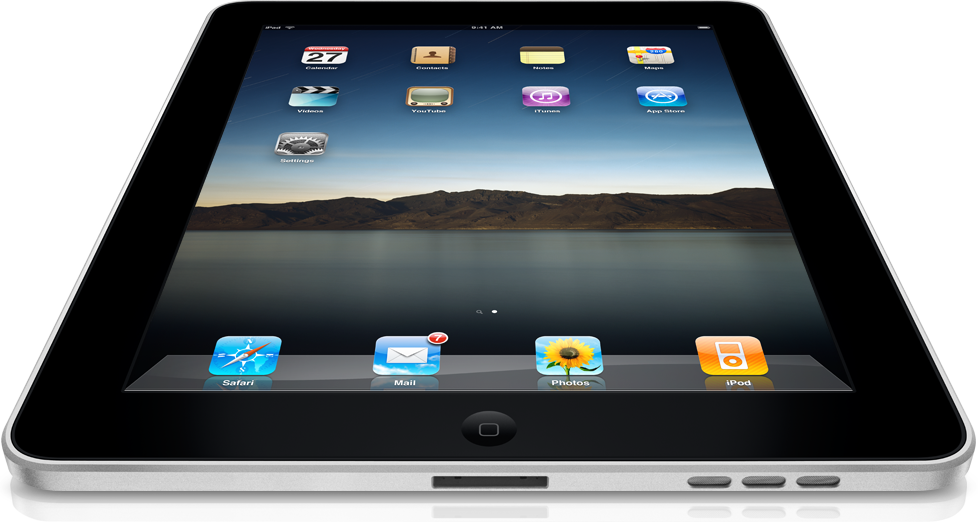
Bottom line:  The year is 2012; almost everything that reputable hardware manufacturers such as Samsung, Apple, Motorola, LG, and more release is an actual decent product.  In addition, if you use it the way it was intended to be used, the product should continue to run smoothly for some time.  There will continue to be some differences between iOS and Android as they continue to grow — important notes about Android devices are that they mirror the PC more because the OS is built for true multitasking — this is why they need to be more powerful than the Apple counterparts.

Choose whichever side meets your needs; although there must be power in these devices for a reason.

OnLive is NOT Right; Proves tablets are NOT laptop-killers

Microsoft has finally decided to put it’s corporate foot down with OnLive.  This app gives iPad and Android tablets the ability to access a virtual Windows 7 desktop that has access to the Microsoft Office suite and a fully functional browser.  The Redmond company has expressed that this service is NOT properly licensed and it would be unfair to let OnLive continue down this path when there are other companies who virtualize Windows but actually pay for the copies.

This is certainly the right approach that Microsoft is taking and many might wonder what took them so long.  Many Microsoft fans are definitely opposed to this because Apple would cringe if OSX was ever to run virtually on any device without an aluminum case.

Read more HERE

Bottom line:  OnLive, putting a virtual Windows operating system on tablets is a great idea; however, if you want to do so pay licensing fees like everyone else.  On the other hand, if these tablets are so powerful and potential “laptop-killers” shouldn’t they be able to provide the appropriate functionality out of the box?

Attack of the skins; are custom UIs hurting Android?

Motorola, Samsung, LG, HTC, Huawei, and more apply their own custom user-interfaces atop of the Android operating system.  However, the question that should be asked is what is so wrong with the operating system that makes that custom UI useful?  Launchers and other interfaces that can be put on top of stock Android can potentially slow down and make for an unstable experience.  This is one reason that many users avoid Android is because it looks so different across the manufacturers that Google allows to use it.  With the advent of Android 4.0 (Ice Cream Sandwich)  Google has told manufacturers that they must keep the original coding their to ensure that apps work properly so end-users (you, the customer) do not suffer in the end.

As a Samsung Galaxy Nexus owner, I have become more and more of an Android purist and these themes and customizations appear more useless and cluttering everyday.  The user should decide what their phone looks like and has on it, including the pre-installed bloatware that manufacturers love to put on devices in order to get you to spend money.

Bottom line:  Pay close attention to Android devices that are released and you will deem this as an issue to.  Simple is best, Android is about customization; but it is best left up to the user.

Want Android on your PC? — AirDroid app connects you

Have you ever been in the middle of an enthralling text message conversation when you got the dreaded battery low indication?  Ever needed to transfer files but did not feel like dealing with messy cables?  Sometimes you need to use your phone; but it may be an inopportune time or place.  AirDroid is the answer that you have been looking for!

This app found HERE provides you with a direct connection to your android device via you browser.  From this convenient window you can send and receive text messages, manage photos and contacts, and even transfer files with no wires.  The app works like a charm, the user only needs to follow these simple steps:

  1. Run the application, from there your device will display a web address that will give you access to your device
  2. Enter either the default password or one that you can set
  3. Go to the address on your computer to achieve full access to your device over your network

Bottom line:  This is an excellent app that any committed Android user would love — especially useful for those in office settings that do not need to have their devices glued to their hands at all times.  However, it would be even better if you could send and receive email via the app is well; maybe in a later version.