Tag Archives: Android

Samsung, who do you think you are?

Well, it is done.  Samsung unveiled it’s latest and greatest device yet, the Samsung Galaxy S IV.  However, most of us technology buffs are calling it simply a Galaxy SIII refresh, which is quite accurate when you break it down.  When you place each device face up, side-by-side it is quite difficult for any inexperienced onlooker to determine which device is which.

However, the refresh is not the issue here — it is the fact that Samsung appears to be attempting to create their own brand of apps that seemingly “replace” apps that are from Google.  For example:

  • Samsung Hub
  • sVoice
  • sTranslate

These apps are essentially a spin off of Google Play, Google Now and Google Translate respectively and Samsung continues to develop it’s own apps. However, one must stop and think is Samsung trying to branch off from Google?  It certainly appears that way.  On the other hand, where would Samsung be without Google’s Android that is powering all of their high selling devices?

Bottom line:  Google needs to get Samsung to get their act together, Samsung with TouchWiz is NOT Google Android.  It seems that Samsung may be thinking that it can do “this” without Google.


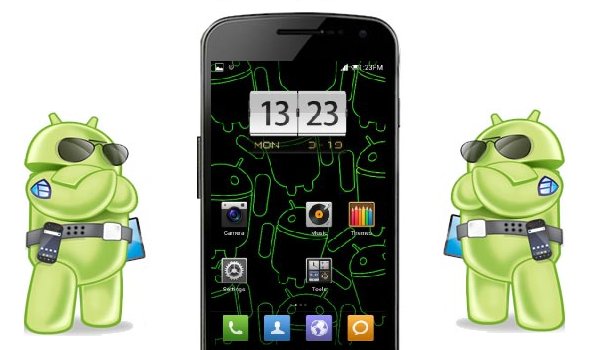
Android Custom ROMs

Android, probably the most powerful mobile operating system on the planet, is great for numerous reasons:

  • Customizations to make the device yours
  • Great multitasking
  • Fully integrated with Google services
  • Many different OEM custom skins to suit everyone

However, there comes a time that users want to do a little more and have full control of their device.  So, what is done — we root.  Why do people root their Android devices?  Here are just some of the reasons:

  • Backing up apps and data
  • Tethering
  • Ad Blocking
  • Removing carrier bloatware
  • Wireless and network tricks 😉

Also, with a rooted device means that your bootloader is also unlocked so that you can flash custom ROMs to your device.  A custom ROM is essentially the Android operating system from Google that a set of developers have taken and added their own custom tweaks for speed, functionality and differentiation.  Custom ROMs can improve on battery life, allow you to customize your phone to a completely different degree and give you an overall great experience.

galaxy-nexus-customROM

With so many ROMs to choose from, which do I prefer?  Well, on my Verizon Galaxy Nexus there have been over 100 ROMs flashed from the popular Cyanogenmod, AOKP, JBSourcery and more.  See below for a brief analysis of the top trio:

  • Cyanagenmod — This ROM is probably the first custom ROM that any root user learns about and becomes enthralled in the sheer number of customizations that are available to you.  However, in my experience I have seen that all of the options in this ROM absolutely destroyed my battery life and made the device quite slow.
  • AOKP — After a stint with Cyanogenmod, I switched to AOKP and fell in love with the customizations and stabilty of the ROM, there is not a lot (if any) bugs in this ROM.
  • JBSourcery — this is the most stable highly-customizable ROM that I have ever ran on the Galaxy Nexus, includes a JBSourcery Tool Center which offer complete manipulation of everything about your device.

So, which custom ROM is the best?  That is a question that you must answer.  Go forth and flash away my friends!

Visit RootzWiki for Android custom ROMs and kernels.

Bottom line:  The world of hacking, modding and flashing new firmware to your device is fun and it is great that Google allows us to do it!

Ready for the Galaxy S IV?

With the latest iteration of the Galaxy line slated to be introduced the mobile technology world is clamouring with rumors left and right. The Samsung Galaxy S III is and was certainly a great device.  One that brought about innovation and a lot more eyes onto the Android platform and you should expect the next iteration to do the same thing.

Samsung, although they stray from stock Android, they usually do so and bring about applications and tweaks that bring the best out of Android.  For example, the apps that are included with the Galaxy Note truly make it a remarkable experience and the same trickles down to the Galaxy S line of devices.

Bottom line:  The Samsung Galaxy S IV will be another defining device of the year.  It’s predecessor stemmed innovation in the market and nothing less should be expected from this device.

Apple Cuts Orders for iPhone 5 Parts

Apple is losing grip. In addition, to the stock price of the company going down, orders for iPhone LCD screens and other parts are also down. So, with Apple potentially producing less iPhones to sell that means that other manufacturers could be able to capture more marketshare. Who could step up to the plate?

For starters, Samsung has already proven itself as a worthy adversary as the now leading smartphone maker in threw world. Why? Samsung is truly innovate, Apple took a winning recipe and tried to copy and paste it too much. At this point, the iPhone is looking old and tired in a market that is full of phones that differentiate themselves from the competition. Samsung has released potentially the best smartphone of 2012, the Samsung Galaxy S III, packing unbelievable specs, a fantastic display and running the finest mobile operating system, Android. In addition, let us not forget about the phone that made it OK to carry a huge device in your pocket, the Samsung Galaxy Note.

iPhone-Parts

Other manufacturers are releasing compelling devices by the droves making Apple iPhone look simpler by the day.

Bottom line: The market wants innovate products that have not looked the same since 2007 — Apple’s tried and true is apparently telling a fib.

Google TV Review

At this point there are more cord-cutters than ever and there are now more options of retrieving media via the web.  With options such as Roku, Boxee, Apple TV and others what makes a device with Google TV installed so special? There are two basic avenues to getting Google TV, either you can purchase a TV with it installed or you can get a set top box with it installed and hook it up to a non-internet enabled TV.

Typically the Google TV experience that I have seen and witnessed is pretty vanilla and straight-forward.  The latest devices are running Android 3.2 and hopefully will be seeing an update soon.

Setup.  Setup of Google TV is simple, just as easy as you would setup a new Android device with signing in to your Google account and restoring apps — this is no different.  In addition, Google TV not only works alone, it works with your existing cable connection and HDTV.  That is right.  Not only can you benefit from just having this set top box alone, which is a viable option, adding cable just makes your experience better by actually being able to search content from your service provider, searching and still watching your favorite shows using PIP and more.

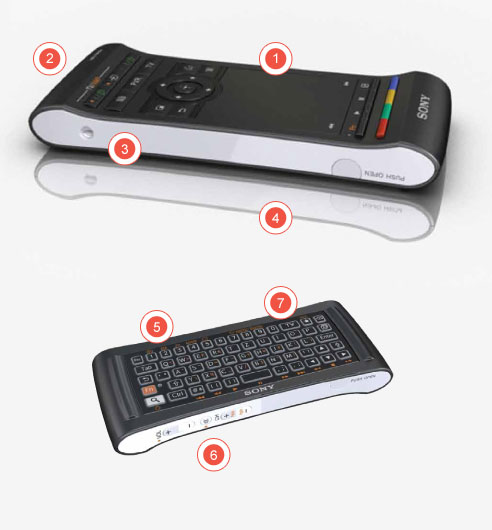
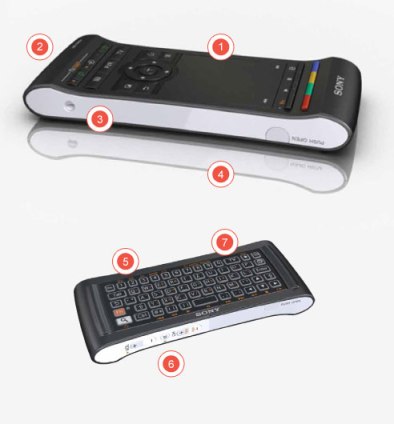
Day-to-Day Usage.  Using this player is just like using a Roku or Boxee Box device; however, the caveat is that these devices lack a customizable operating system beneath or “flow” from one to another; plus there is no full-featured Google Chrome.  Google TV devices come with the Google Play Store, which allows you to download any app compatible to your device.  That is includes Netflix, Flixster, YouTube (more on that later) and more.  Android on a TV is unlike anything that you’ve ever experienced — simply amazing.  Not only is the transition from app to app fluid and simple, the controls on the remote mimic Android on mobile devices, as they should. google-tv-remote
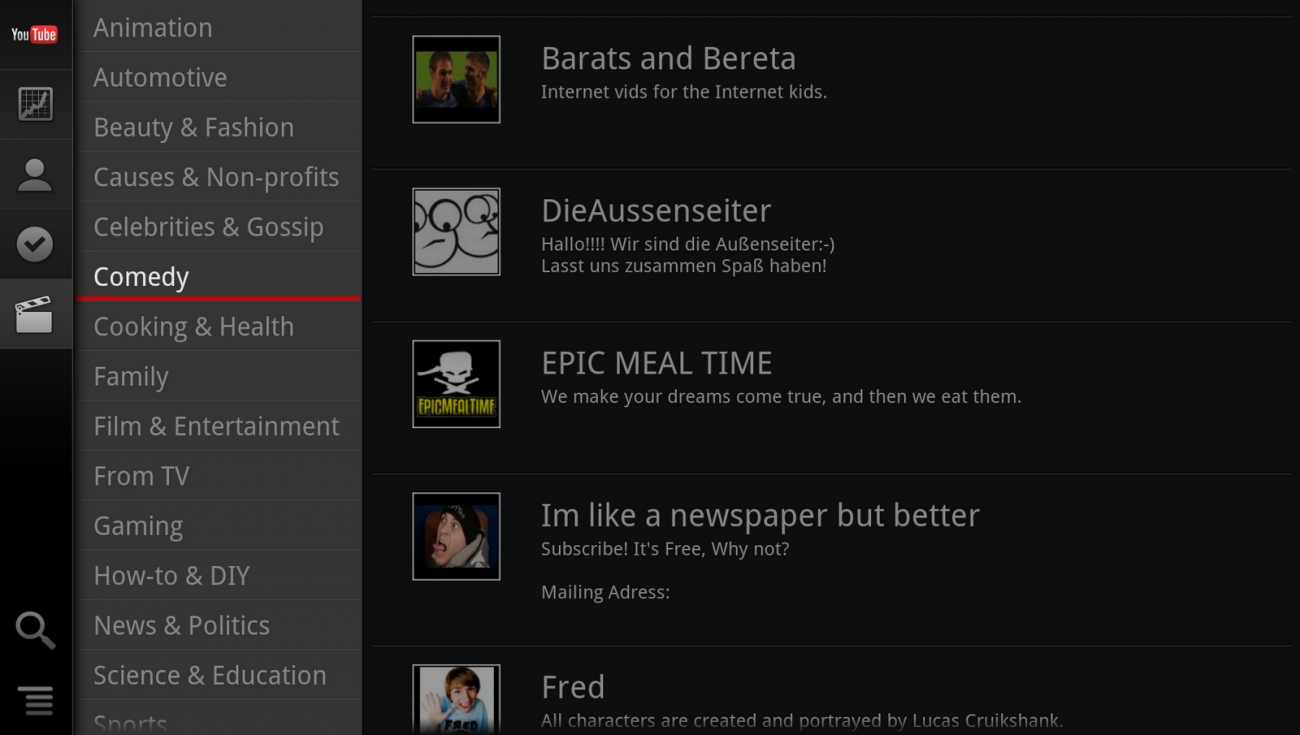
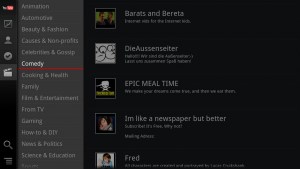
Apps.  To start, there are over 700K apps available on the Google Play Store for your devices; however, for this device, there are only a few thousand available.  Now, it is arguable how many apps do you really need for a TV?  Mainly, you need media consumption apps — not Cut the Rope or Angry Birds.  The apps that are available make this an extremely functional device and once you have it in your living room it’ll be there to stay.  YouTube on the Google TV is simply put, the richest YouTube experience on a TV – period. YT_GoogleTVFrom the ability to stream every video in your subscription box, the user has full control to give ratings and also view video information; all in excellent HD resoltion.  Netflix is no slacker here either — the UI is far greater than the experience on the Roku player.  It is not like the content increases, but the manner in which Netflix for Google TV delivers it is the key.  Also, Google Play Music and Movies are available, which just makes this box even more “Googley” so all of that music that you have uploaded and those movies that you have purchased are at your fingertips for the first time on your TV.
Just the above four apps alone make this device worth the $175 that you can purchase it for; Target even had it for $129.

Bottom line:  If you are a Google-centric person a Google TV is a no-brainer, especially the model I chose — Sony NSZ-GS7 Internet Player with Google TV — buy [HERE]

sony_googletv